
Monitor IMAP | ActiveXperts and IP Protocols
ActiveXperts solution to monitor IMAP4 mail server availability
ActiveXperts Network Monitor can check IMAP4 compliant mail servers by establishing a connection on the remote IMAP4 port (usually port 143) and do a handshake. By handshaking, ActiveXperts Network Monitor can verify that the remote server's SMTP protocol is working well.
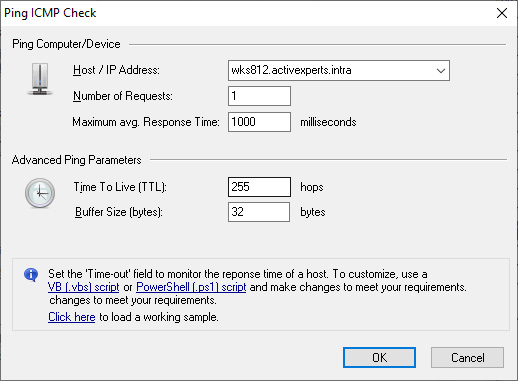
A IMAP4 Mail Server rule takes the following parameters:
- Host - Hostname or IP address of the server to be monitored;
- Port - TCP port number of the IMAP protocol. Default: 143;
- Send command when connected - As soon as connection is established, send a command. By default, no command string will be sent;
- Response must include string - when connected, optionally send a command. Then wait for the response. The default response for IMAP servers includes: 'IMAP';
- Timeout - Number of milliseconds before the check will timeout. Usually, a connection to the server will be established within 1 second. However, some slow/busy server need more time. Recommended value is 7000 milliseconds.
Introduction to IMAP4
IMAP4 is the latest Internet e-mail protocol. It is currently supported by only a few e-mail servers and a few modern e-mail clients (such as Microsoft Outlook Express, Netscape Messaging, Eudora Pro 4.2 etc).
IMAP4 can be used as a replacement for the more well known POP3 protocol. The main difference between the two protocols is that with IMAP4 the messages are stored and manipulated on the e-mail server and with POP3 they are downloaded to the e-mail client and stored and manipulated there. This change in approach means that IMAP4 requires more work from the mail server and requires much more disk space on the server, but it means that users can share mailboxes and change PCs whilst still having access to their e-mail. IMAP4 is not really designed for offline working (POP3 was designed for that), but some e-mail clients do support synchronisation with an IMAP4 mail server, but the efficiency of this varies depending on the way the e-mail client works, so check it is suitable before committing yourself to it.
Using IMAP4 you can organise mail into 'folders' on the server, mark messages as read, perform searches on the server etc.